Explore portraits, fashion concepts and reference-guided edits with Seedream 4.5 Uncensored. Choose 2K or 4K and create in the studio.
Image studio
Your next image starts here
Choose your creative engine
Max 10 Images
Support PNG, JPG, JPEG, WEBP up to 10MB
Your canvas
Generated image will appear here
Creative PossibilitiesImage Studies / 01—04
Seedream 4.5 Uncensored: Shape Every Visual Detail
Build an image around your idea, then refine the parts that matter. Seedream 4.5 Uncensored combines fresh image creation with reference-guided editing for a more directed creative process.
01
Create a Distinctive Fashion Portrait
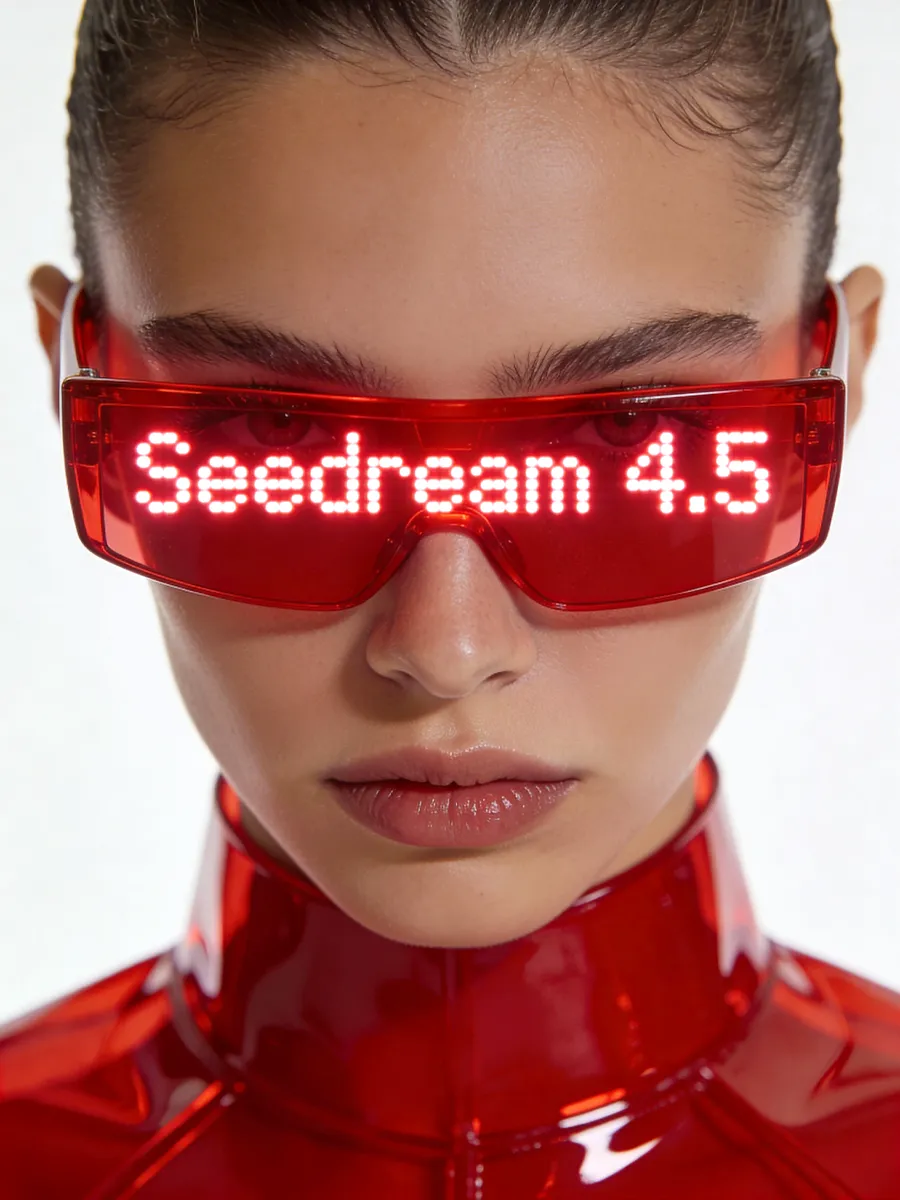
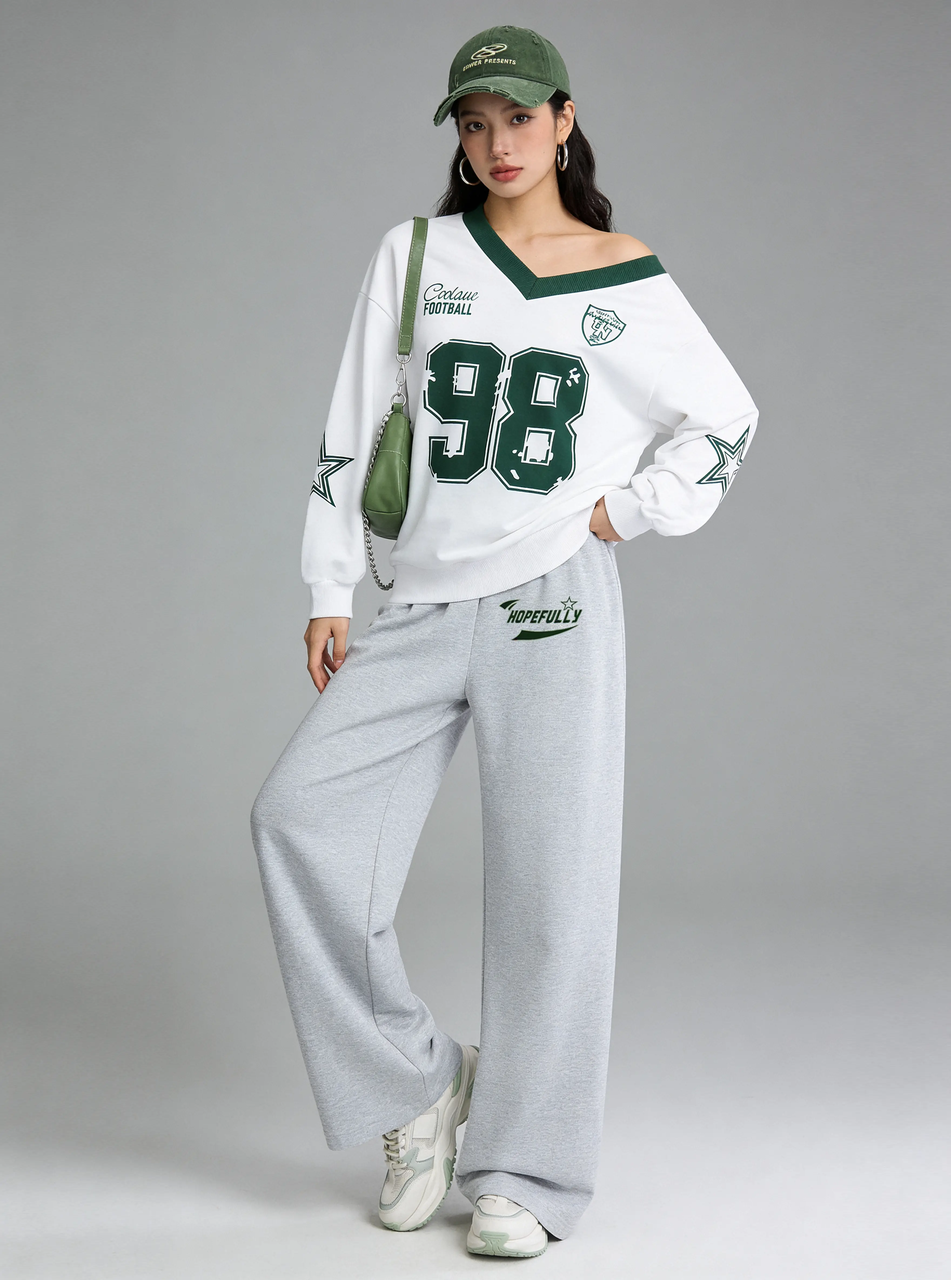
Describe a striking beauty portrait with a clear expression, an unusual accessory and carefully chosen lighting. Seedream 4.5 Uncensored turns the brief into a composed image with considered colors and materials. Specify the outfit, background and visual style to give the portrait a clear direction.
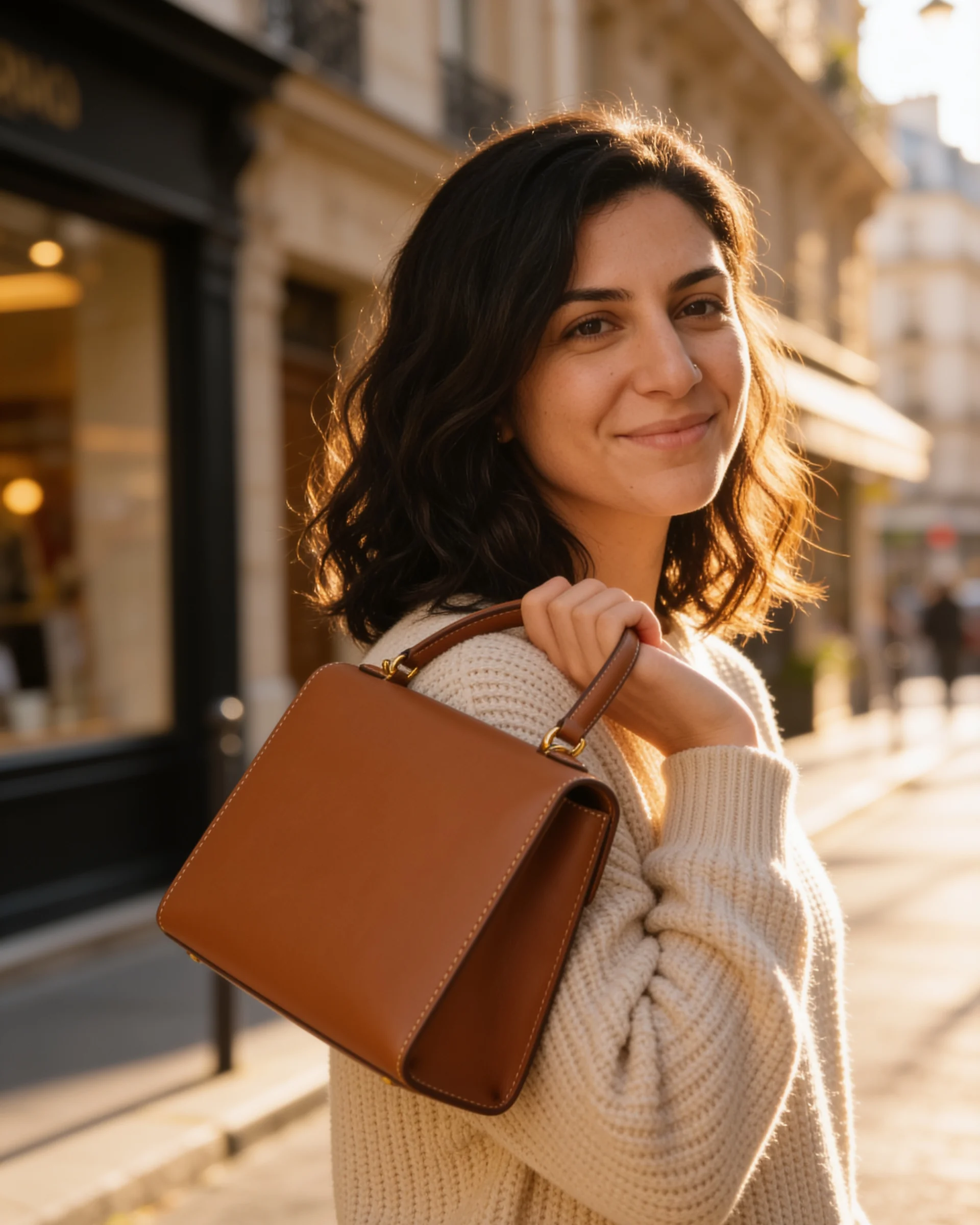
Use a reference image to show exactly which person, object or composition you want to retain. Seedream 4.5 Uncensored can change a background or remove surrounding subjects while aiming to preserve important details. Explain both the requested change and what should stay fixed, then inspect the result beside your original.
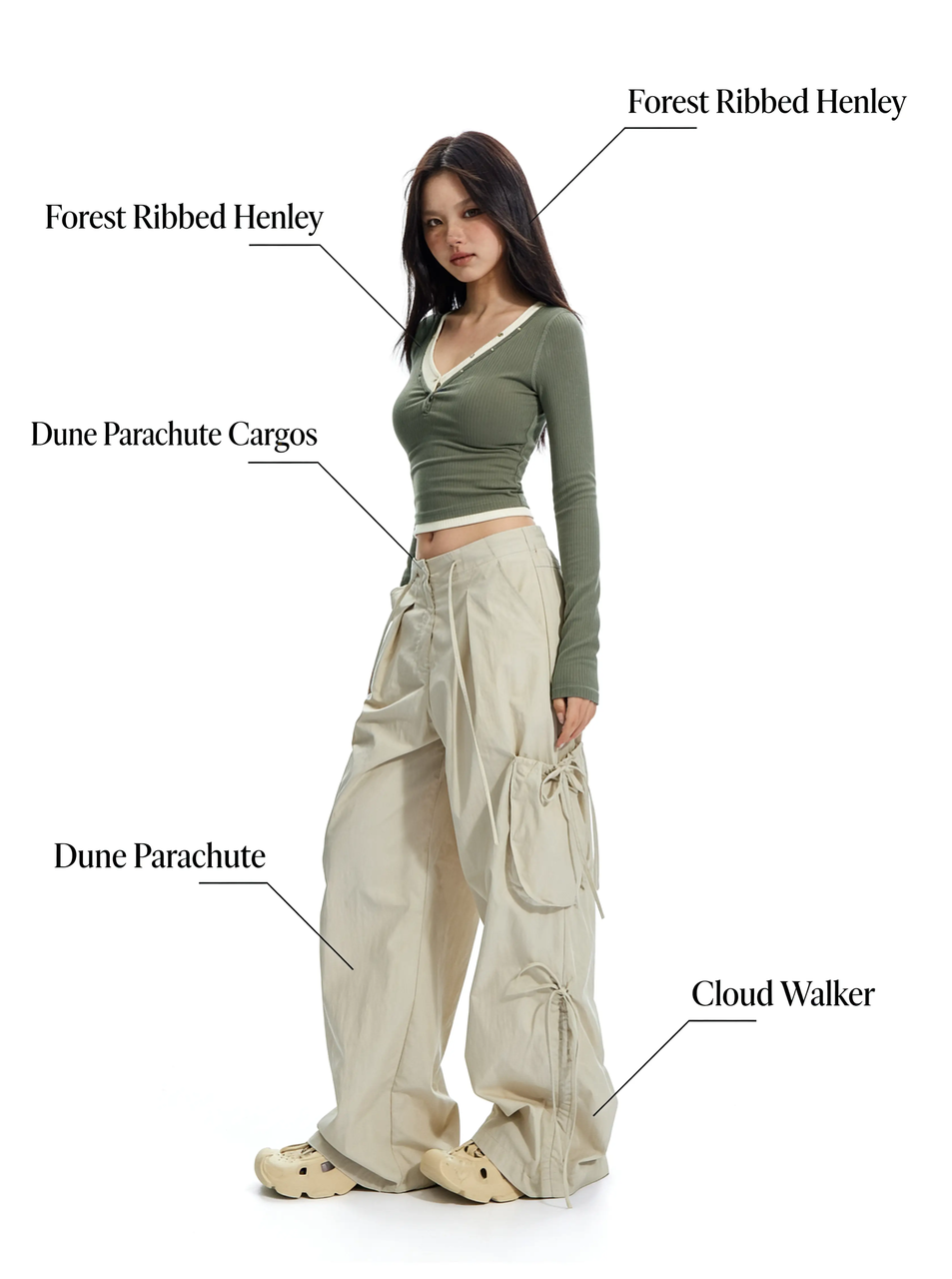
Combine a portrait reference with a handbag or outfit to guide a coordinated fashion image. Seedream 4.5 Uncensored supports multi-image editing, helping connect the person, accessories and setting across a brief. Give each picture a clear role so the result reflects your intended styling rather than a vague mixture of references.
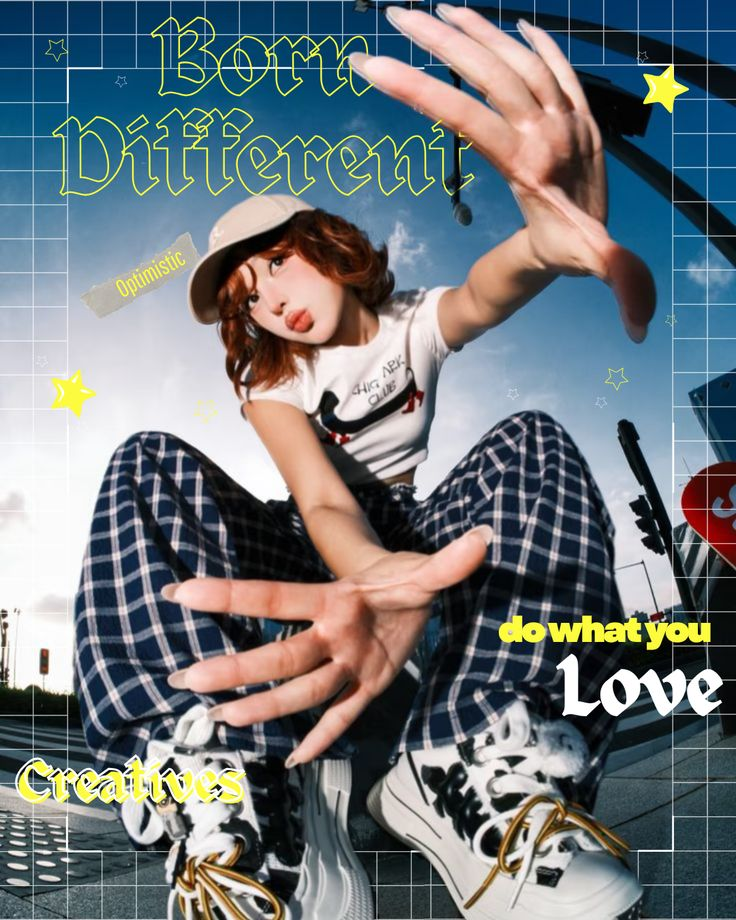
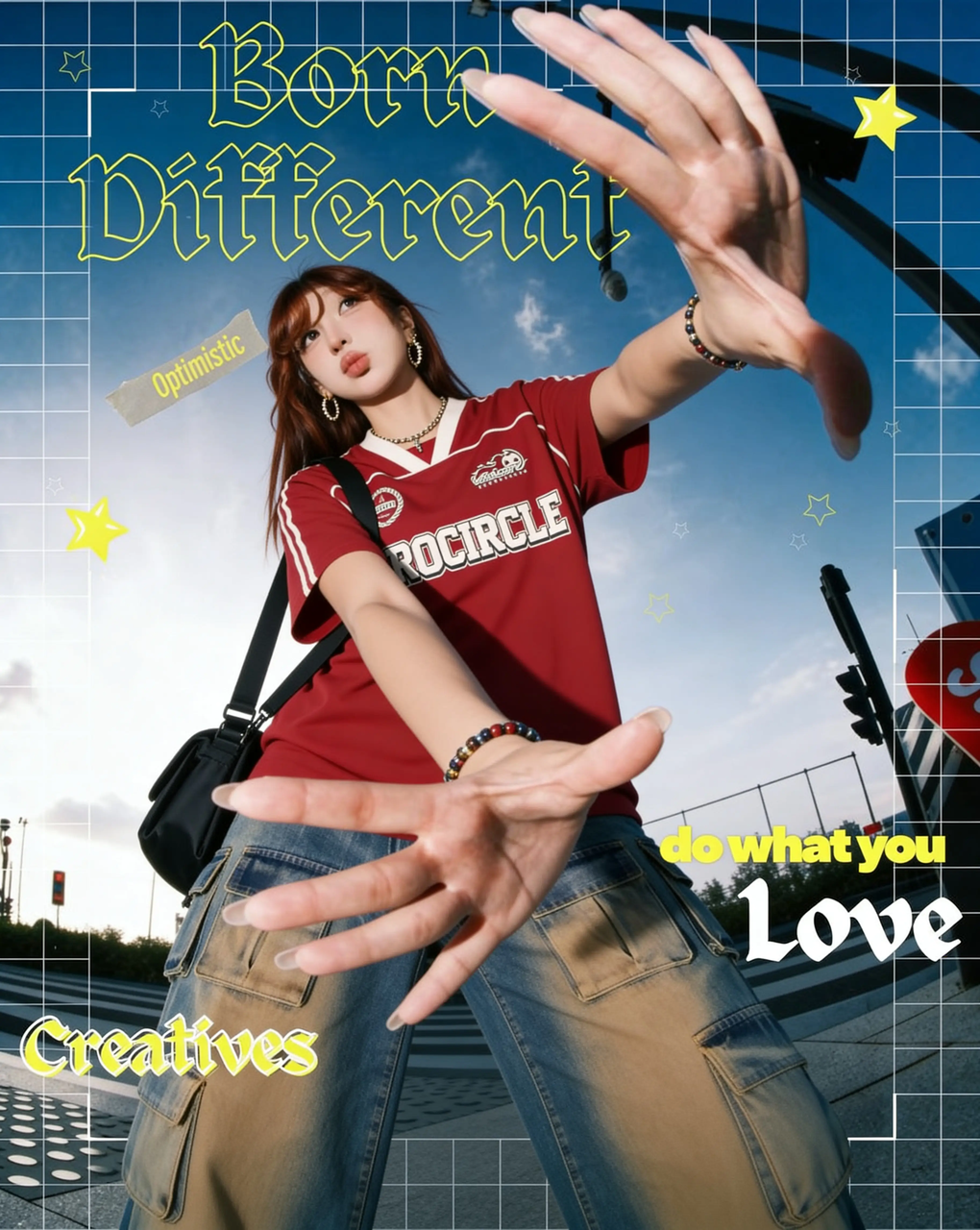
Explore a fashion cover, a streetwear campaign or a beauty launch with text built into the composition. Seedream 4.5 Uncensored pays attention to typography and information hierarchy, bringing the portrait and headline into one design. Supply exact wording in quotation marks, request readable spacing, and proofread every line before sharing.
Start with a focused Seedream 4.5 Uncensored brief, choose your format, and review the result.
1. Choose Creation or Editing
Keep Seedream 4.5 selected in the studio. Choose Text to Image for a new scene, or Image to Image to work from your own pictures. Add up to 10 references in PNG, JPG, JPEG or WebP, each within the displayed 10 MB limit, and describe the role of each input.
2. Set the Shape and Detail
Write the subject, background, lighting and exact text you need. For Seedream 4.5 Uncensored, start with 16:9 for a wide campaign image, 1:1 for a square layout, or 9:16 for a vertical poster. Choose 2K to explore the composition or 4K when finer detail matters, using the visible resolution selector.
3. Inspect, Refine and Download
Generate your Seedream 4.5 Uncensored image, then check faces, object edges, lettering and reference details. If something needs work, revise one instruction and compare the next result. Use Download to save the picture, check its actual dimensions, and place it in your presentation, campaign draft or design document.
Why Choose Us
Make Your Creative Brief Easier to Judge
Seedream 4.5 Uncensored is useful when a visual needs a defined subject, a clear layout and a practical review process.
Show Details Instead of Describing Everything
A reference can communicate a particular face, fabric or object shape more clearly than a long paragraph. Compared with a text-only brief, a guided Seedream 4.5 Uncensored edit gives you a visible starting point for judging whether those defining details survived the change.
Explore Variations from a Shared Starting Point
Reusing a reference anchors each variation compared with starting from scratch. Make separate requests for a different background, palette or outfit. A narrow brief makes changes easier to compare and helps you decide whether the direction fits your project.
Match Detail to the Viewing Size
Use the 2K and 4K choices to plan how closely people will inspect the image. Seedream 4.5 Uncensored can support detailed compositions, but extra pixels alone do not fix incorrect lettering or anatomy. Check both the full picture and a close view before selecting a final version.
Test a Product Campaign Before a Shoot
A small shop can compare a bottle against warm stone, colored paper or a kitchen setting before arranging photography. Use Seedream 4.5 Uncensored to explore the visual direction, then check that the package shape and label still represent the real item accurately before approving a campaign concept.
Give Event Teams a Concrete First Draft
An event organizer can test the relationship between a headline, an illustration and a date panel in one image. A Seedream 4.5 Uncensored poster draft gives collaborators something specific to discuss: reading order, visual emphasis and space for essential information. Keep the final schedule text available for proofreading.
Compare Interior Ideas with Clear Constraints
A design team can explore a warmer room palette or a different decorative arrangement while requesting that the overall composition stays fixed. State which furniture and lighting details matter. Treat the pictures as visual concepts, then verify real measurements and materials separately when moving toward a finished room.
Practical answers for preparing inputs and reviewing your finished picture.
01
Does Uncensored refer to a different image model?
This studio uses Seedream 4.5 for image creation and editing. Seedream 4.5 Uncensored does not name a separate model option here. Available features and content rules depend on the model selected in the studio.
02
How should I prepare several reference pictures?
Choose clear images that agree on the details you want to keep. Number them in your prompt, for example: use image one for the product and image two for the room. Remove redundant or conflicting inputs before asking Seedream 4.5 Uncensored to combine them.
03
Can I revise a short phrase without redesigning everything?
Try an Image to Image edit that identifies the phrase, gives the exact replacement and asks to preserve the surrounding layout. Work on one phrase at a time, then check punctuation and letter shapes against your intended text.
04
What should I do if a face looks too smooth?
Use a clear, well-lit reference and request natural skin texture and original facial proportions. Avoid conflicting beauty or stylization instructions. Compare the eyes, teeth and face shape with the source; try a simpler edit if the transformation changes the person too much.
05
How do I prepare a downloaded image for print?
Check the saved image at its intended print size and confirm the printer's required format and color settings. Leave space around important text and subjects, then make a proof before a large print run.
06
What should I check before using an image in a campaign?
Review the current service terms and your permissions for reference pictures, people and brand assets. Seedream 4.5 Uncensored does not verify those permissions. Proofread claims and check that products match their real appearance before publishing.